Idea Cells
AI Needs a Notebook, Not Just a Chat Box

If you know Jupyter notebooks, the basic idea is familiar: a document is split into executable units called cells. The difference here is that the cells are not all generic code cells. They are typed by task. Each type has a different contract, different controls, and different output expectations. That makes the canvas less like a chat log and more like a working surface.
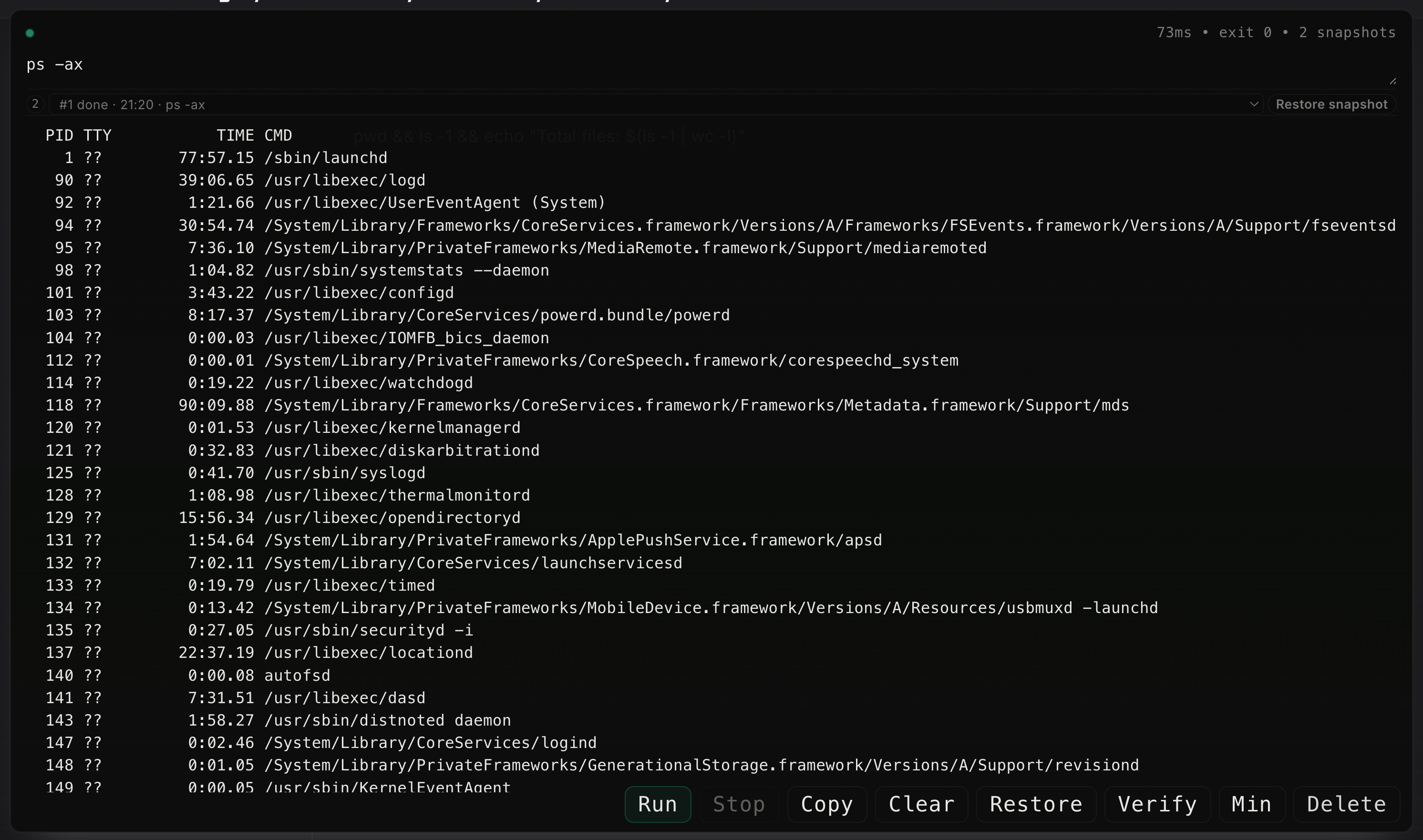
The simplest one is the terminal cell. It runs commands and stores the command, stdout, and any generated artifacts with the note. This matters because command-line work is usually transient. You run something, read the output, then move on. A terminal cell keeps that step in place. It can be rerun, inspected later, and linked to other cells. In practice, it is the lowest-level cell because it touches the actual system rather than generating prose about it.

Build a working document that mixes thinking, execution,validation, and decisions
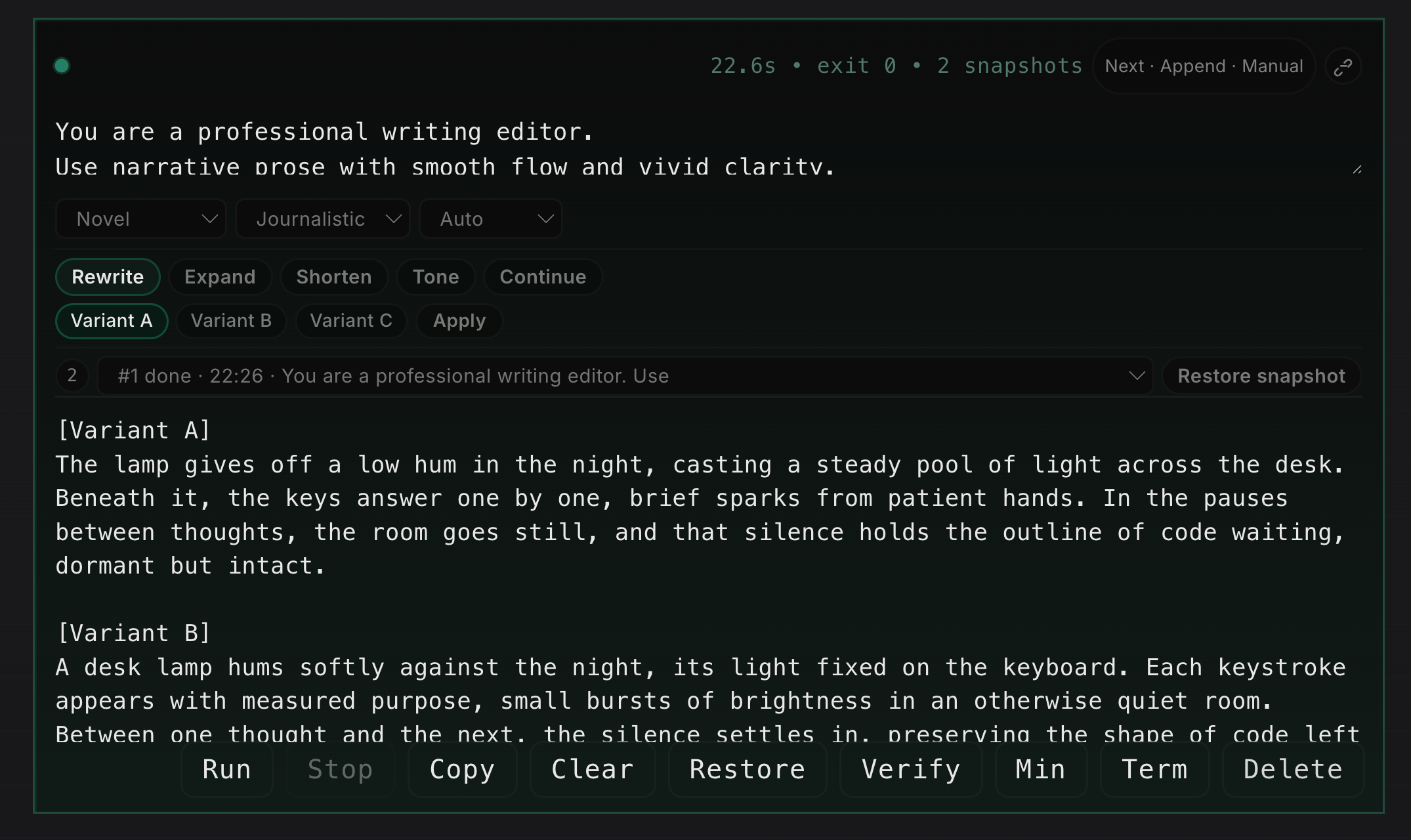
The writer cell is for editing text, not for executing code. It takes a draft and applies one of a small set of operations: rewrite, expand, shorten, tone adjustment, or continue. It also exposes structured controls such as profile, tone, and length. That sounds small, but it changes the interaction. Instead of asking a model in free form to “make this better,” the user is choosing a specific editing operation. The result is usually more stable and easier to compare, especially when the cell returns multiple variants.
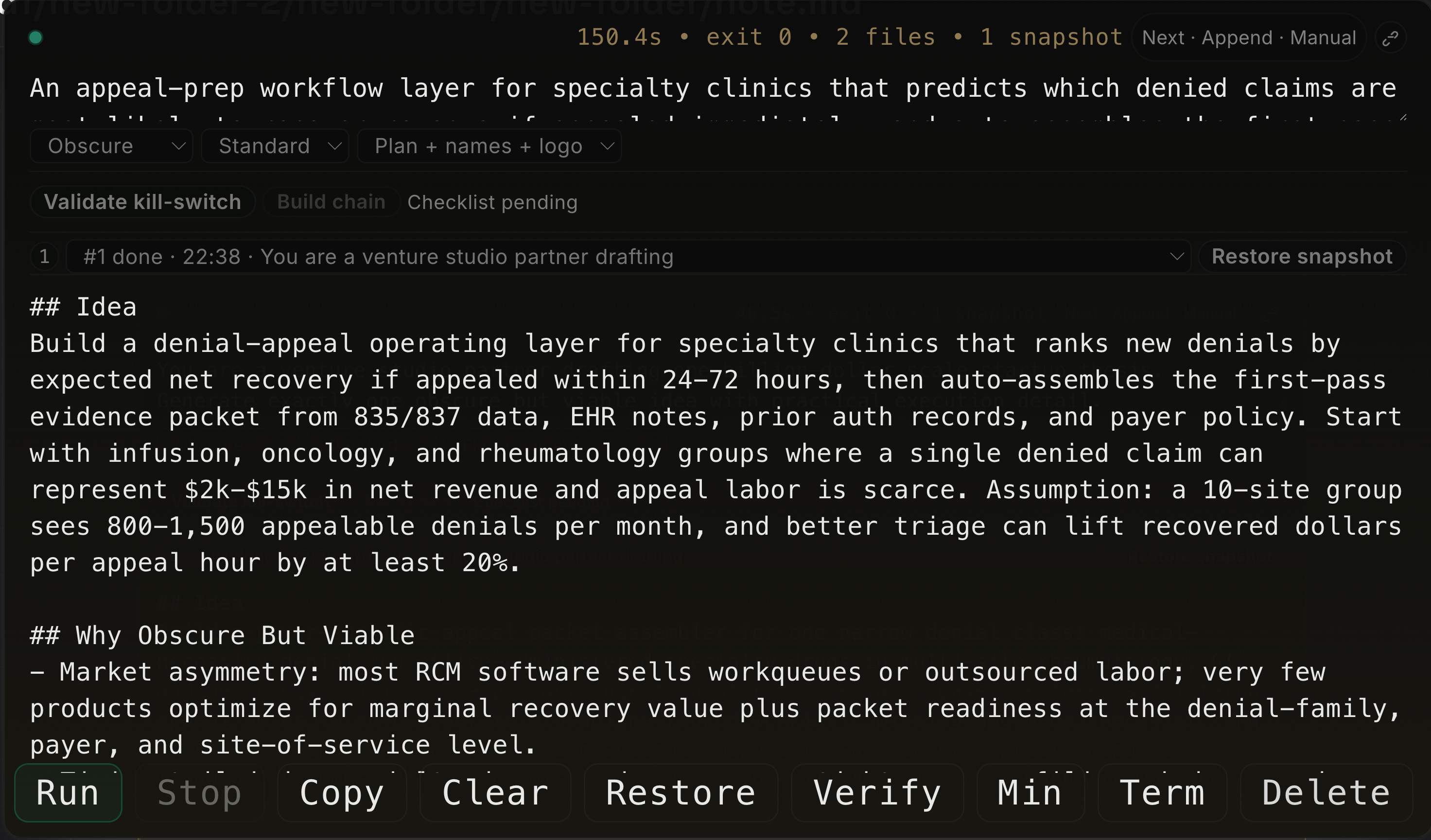
The idea cell is for generating a startup or product thesis from a specific context. It is not just a brainstorming box. It expects a market or workflow prompt and produces a constrained output: the idea, why it might work, customer pain, business model, moat, a 90-day plan, risks, kill criteria, and a validation checklist. In other words, it forces the model to move past slogans and into testable claims. It is useful when the goal is not “be creative,” but “produce a thesis that can survive contact with reality.”
That leads naturally to research, risk, and execution cells. These are downstream operational cells. Aand sequencing. These cells matter because most work does not end at generation. It moves from proposition to testing to decision to action. Keeping those steps separate makes it easier to revise one stage without rewriting the whole thread. the canvas. A figure cell turns a dataset and chart settings into a visualization.
A presentation cell can generate slides. A vector or comics cell produces graphical artifacts. These are important because technical work is rarely pure text. A note often needs data, charts, diagrams, and assets alongside reasoning.
There is also a class of cells for formal reasoning. Cells like conjecture, example, counterexample, lemma, and proof gap break mathematical or logical work into smaller units. A conjecture cell states the claim and context. An example or counterexample cell searches the space around it. A lemma cell isolates a subclaim. A proof-gap cell marks the exact step that does not yet work. This is closer to notebook-based theorem or research work than to ordinary chat.
The reason for having multiple cell types is not aesthetic. Different tasks have different failure modes. A terminal command fails by returning the wrong output or mutating the wrong file. A writer task fails by drifting in tone or meaning. An idea fails by sounding plausible without being testable. A research plan fails by being too vague to run. Putting all of these into one chat interface hides the difference between them.
Links route one cell’s output into a specific field in another cell, not just “the next prompt.”
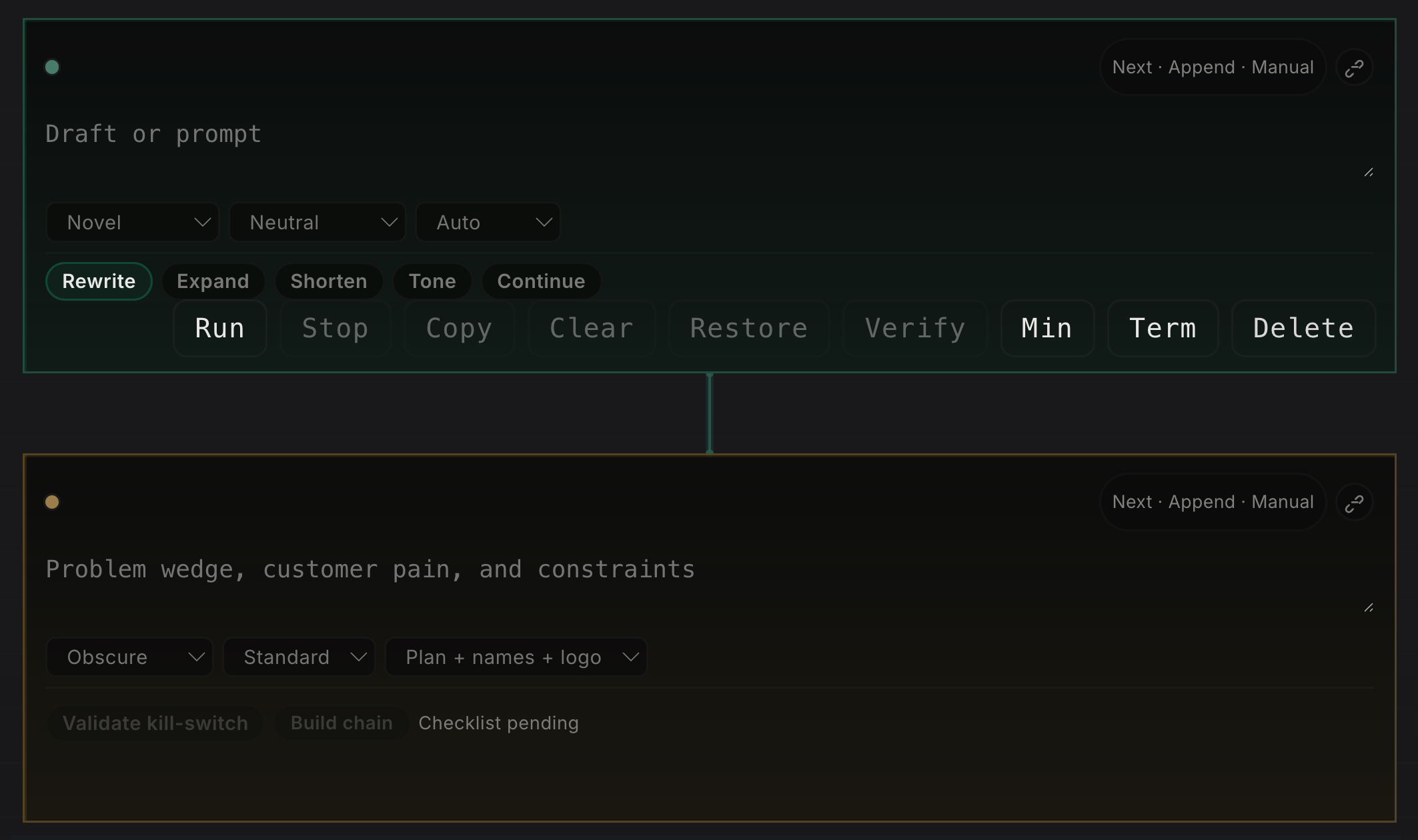
Examples:
- writer -> red pencil uses redpencil-draft
- idea -> research -> risk -> execution uses research-context, risk-context, execution-context
- figure -> conviction uses conviction-support
- conjecture -> example -> counterexample -> lemma -> proofgap uses typed slots like example-target and lemma-claim
The routing logic writes into the correct field for each cell type, which is why linked workflows stay structured instead of turning into pasted text blobs.
Every notebook is versioned, so each change to cells, links, outputs, and applied results is preserved as note history rather than overwritten in place. The model is similar to Git in the sense that you can inspect earlier states, compare what changed, and recover previous versions, but it is integrated into the notebook workflow instead of being a separate source-control step.

A cell canvas keeps that difference visible. Each cell says what kind of work is happening, what input it expects, what output it should return, and in some cases what review is required before the result is used elsewhere. That is the main point of the model. It is not one assistant doing everything in the same voice. It is a notebook made of small, typed working units.